
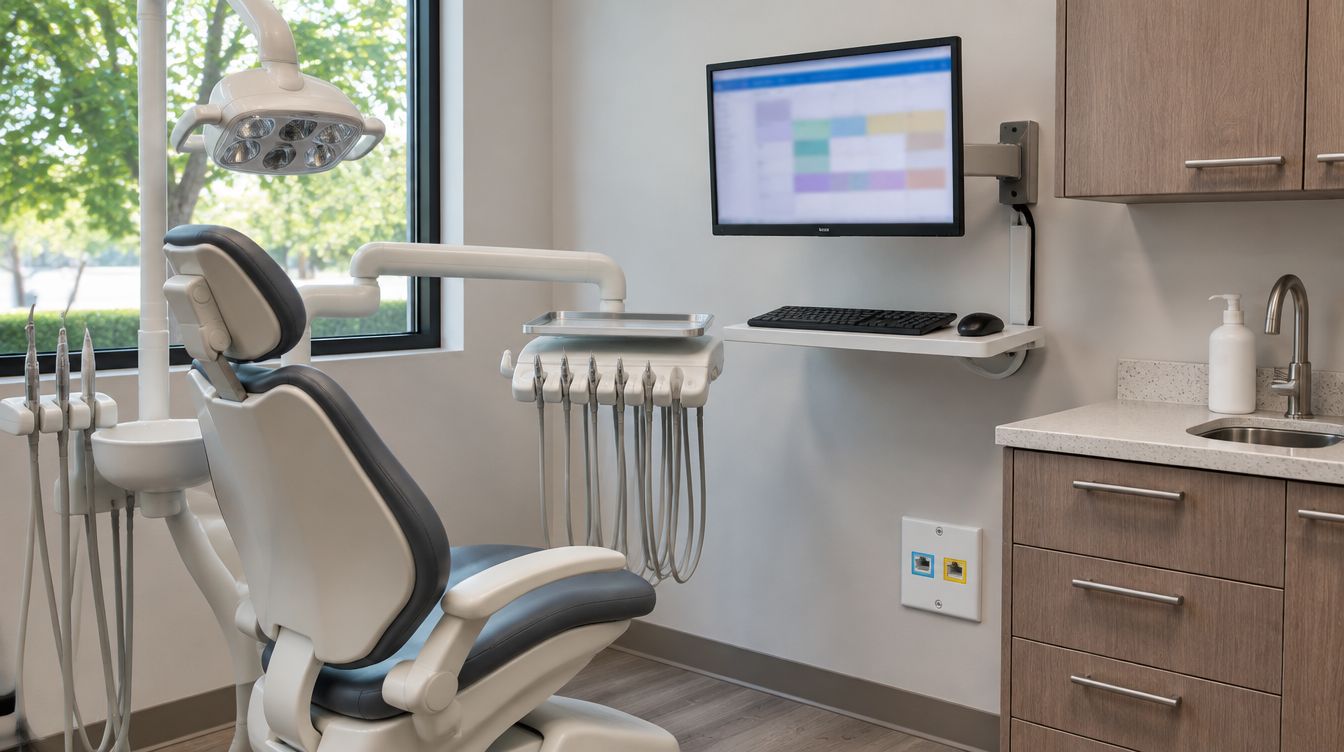
After a New York dental office opens, ClearMax Labs can stay on as the practice's IT provider under a managed plan covering the workstations, network, user accounts, backups and security that went in during the build. It is optional on both sides: hiring a buildout does not commit a practice to a plan, and a practice that built with someone else can still sign one.
Last updated: November 2026
Included in a plan
- Workstations: operating system and security updates, daily fixes, and setup for new hires, including the imaging computers in each operatory.
- Network: the firewall, switch, access points and the rules that keep the patient network away from clinical machines.
- User changes: logins, email and door credentials created together for a new employee and removed together when someone leaves, each change dated.
- Backups: nightly backups checked and restored on a schedule, including older copies.
- Security: protection on every covered computer and on the network, kept current.
- Vendor tickets: problems inside the practice software taken to its vendor for the office and followed until closed.
Starting from the build file
The slowest part of taking over any office is learning it: what each cable does, who knows which password, whether the backup has ever been restored. When ClearMax built the office, that work is already on paper. The drop map, the network layout and WiFi results and the server build notes become the plan's records from day one.
New York adds one item to that file. Civil Rights Law 52-c requires an employer that monitors staff internet or email use to post the notice of electronic monitoring where the covered employees can see it, so the plan keeps an up-to-date list of what the firewall logs, if anything, for the practice's own notice.
Coastal storm procedure
Con Edison called Sandy's outage, more than 650,000 Con Edison customers in New York City and Westchester, the largest storm-related outage in its history. The plan carries a written storm routine: confirm the off-site backup the day before, shut the server down cleanly if the building is closing, and bring systems back in a fixed order with a chart and an image opened at each desk before patients return.
Reaching the support desk
One number and one email address. Each request becomes a numbered ticket and stays open until the person who reported it confirms the fix. Work that needs someone in the office is booked with a ClearMax technician, within the building's rules for access. The proposal spells out coverage hours, response targets and what the plan includes, so it is clear in advance what is covered and what is a new project.
What sets the price?
The number of computers and people, the equipment in the closet, whether a server is included, and how well the current setup is documented. The figure arrives in a written proposal after a call about the office and is never posted on this site.
Getting a plan started
- A call about headcount, operatories, software and past problems.
- An equipment review, mostly done already after a ClearMax build.
- A written proposal with coverage, targets and the price.
- Onboarding: one test restore and a note to every employee on how to reach the desk.
Plan questions from New York offices
Can we switch from our current IT company?
Yes. Passwords, licences, the domain and the backup accounts are moved into the practice's name before anything changes hands.
Are the doors and cameras included?
For what the buildout installed, yes: credential changes, camera health checks and the agreed recording retention.